
Dart
Dart basic
Dart 言語の概要をつかみましょう! 公式サイトのDartページ を基に、サンプルを記載します。
1 概要
ぜひ、ご自身でコードを貼り付けてDartプログラムを動かしてください!
1.1 Hello World
Dartプログラムを実行すると、最初に実行されるのが main関数です。 print関数はターミナルに文字列を表示します。
void main() {
  print('Hello, World!');
}
実行例 
1.2 Variables(変数)
変数はデータ型を指定しなくても、varを使って定義できます。
var を使って変数を定義した場合は、値によって自動的に型が決定されます。
var name = 'Voyager I';
var year = 1977;
var antennaDiameter = 3.7;
var flybyObjects = ['Jupiter', 'Saturn', 'Uranus', 'Neptune'];
var image = {
  'tags': ['saturn'],
  'url': '//path/to/saturn.jpg'
};
1.3 Control flow statements(制御構文)
以下のような制御構文が使えます。これ以外にもswichやbreak、continueなどもあります。
if (year >= 2001) {
  print('21st century');
} else if (year >= 1901) {
  print('20th century');
}

for (final object in flybyObjects) {
  print(object);
}

for (int month = 1; month <= 12; month++) {
  print(month);
}

while (year < 2016) {
  year += 1;
}
1.4 Functions
関数の定義例です。引数や戻り値を明示的に指定する事を推奨されています。
int fibonacci(int n) {
  if (n == 0 || n == 1) return n;
  return fibonacci(n - 1) + fibonacci(n - 2);
}

var result = fibonacci(20);
短く1行で書く方法です。関数の引数に無名関数を指定する場合によく使われます。
flybyObjects.where((name) => name.contains('turn')).forEach(print);
実行例 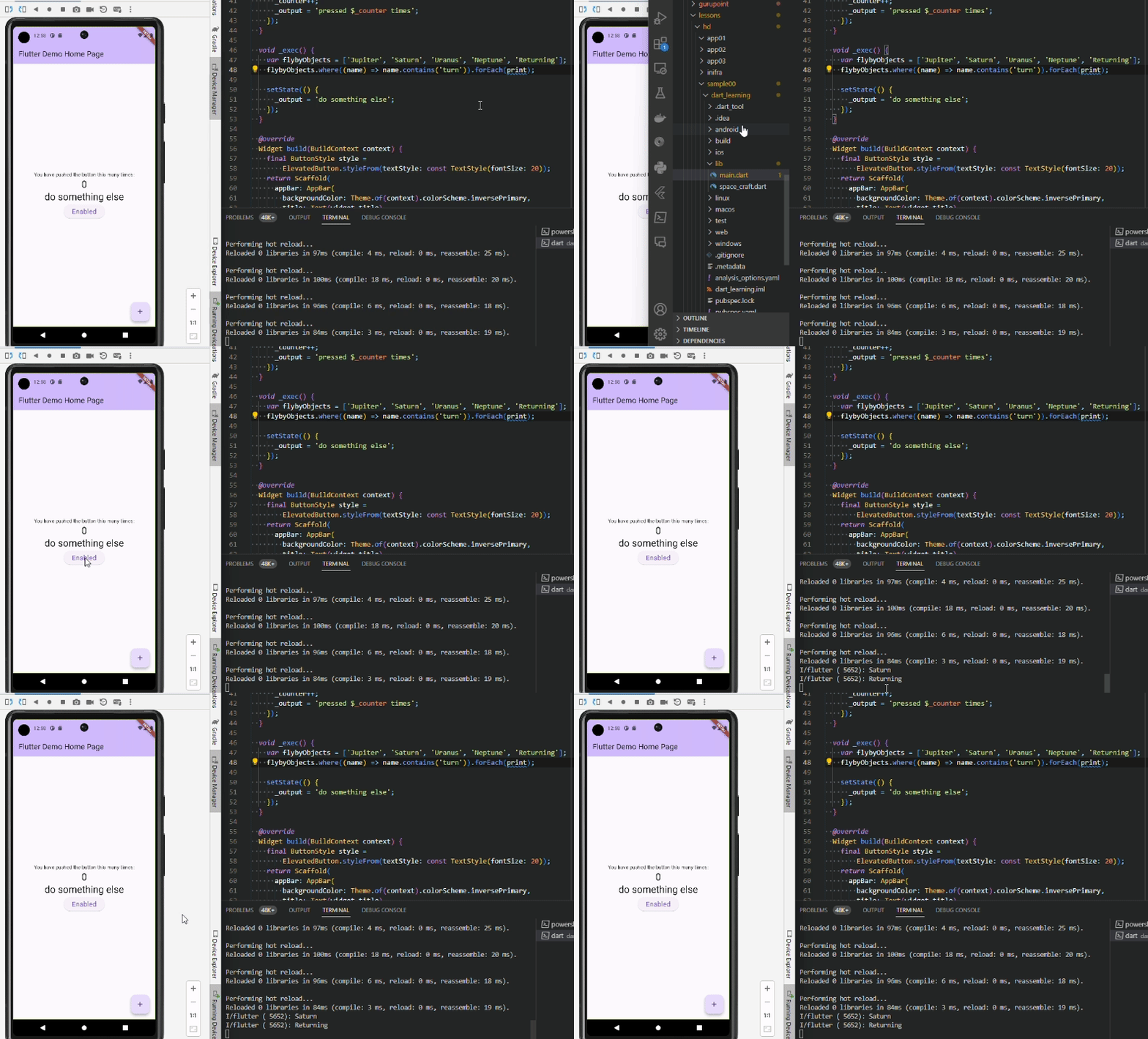
1.5 Comments
// This is a normal, one-line comment.

/// This is a documentation comment, used to document libraries,
/// classes, and their members. Tools like IDEs and dartdoc treat
/// doc comments specially.

/* Comments like these are also supported. */
1.6 Imports
外部のライブラリを利用する場合は、importを使用します。
// Importing core libraries
import 'dart:math';

// Importing libraries from external packages
import 'package:test/test.dart';

// Importing files
import 'path/to/my_other_file.dart';
1.7 Classes
以下はクラス定義の例です。
3つのプロパティ(name, launchData, launchYear)、2つのコンストラクタ(Spacecraft(this.name, this.launchDate), Spacecraft.unlaunched(String name))、1つのメソッド(describe)が含まれています。 プロパティの1つであるlaunchYearは、読み取り専用で直接を代入できません。
print('Spacecraft: $name') で文字列に変数の値を埋め込んでいます。
class Spacecraft {
  String name;
  DateTime? launchDate;

  // Read-only non-final property
  int? get launchYear => launchDate?.year;

  // Constructor, with syntactic sugar for assignment to members.
  Spacecraft(this.name, this.launchDate) {
    // Initialization code goes here.
  }

  // Named constructor that forwards to the default one.
  Spacecraft.unlaunched(String name) : this(name, null);

  // Method.
  void describe() {
    print('Spacecraft: $name');
    // Type promotion doesn't work on getters.
    var launchDate = this.launchDate;
    if (launchDate != null) {
      int years = DateTime.now().difference(launchDate).inDays ~/ 365;
      print('Launched: $launchYear ($years years ago)');
    } else {
      print('Unlaunched');
    }
  }
}
クラスの利用例は以下です。
var voyager = Spacecraft('Voyager I', DateTime(1977, 9, 5));
voyager.describe();

var voyager3 = Spacecraft.unlaunched('Voyager III');
voyager3.describe();
実行例 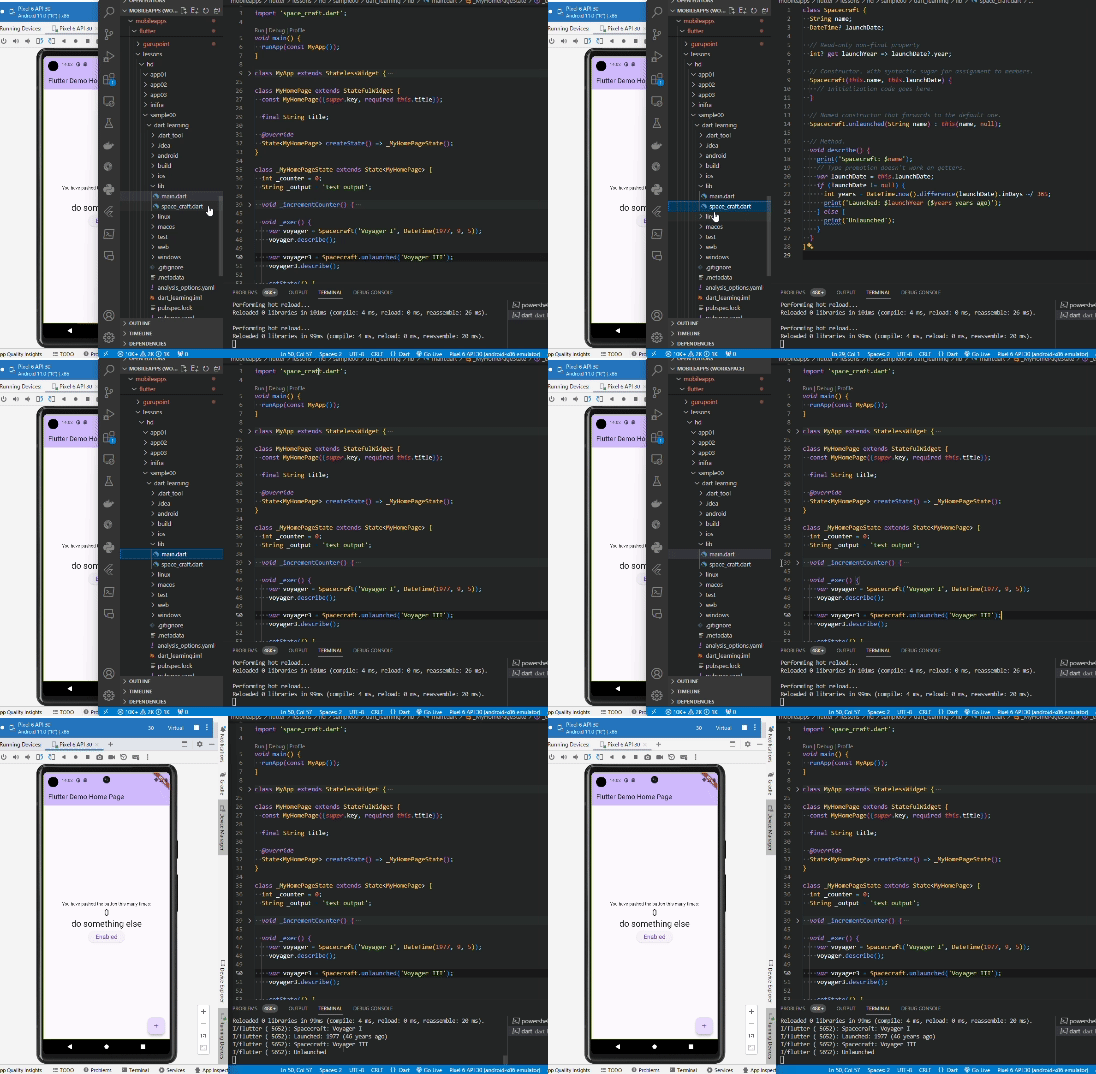
1.8 Enums
Enumは同じデータを持つ型です。列挙型と呼ばれます。
単純なEnum定義の例です。
enum PlanetType { terrestrial, gas, ice }
少し複雑なEnum定義の例です。 Enum型として、クラスや、定数、ゲッターなどのメソッドを含む事ができます。
/// Enum that enumerates the different planets in our solar system
/// and some of their properties.
enum Planet {
  mercury(planetType: PlanetType.terrestrial, moons: 0, hasRings: false),
  venus(planetType: PlanetType.terrestrial, moons: 0, hasRings: false),
  // ···
  uranus(planetType: PlanetType.ice, moons: 27, hasRings: true),
  neptune(planetType: PlanetType.ice, moons: 14, hasRings: true);

  /// A constant generating constructor
  const Planet(
      {required this.planetType, required this.moons, required this.hasRings});

  /// All instance variables are final
  final PlanetType planetType;
  final int moons;
  final bool hasRings;

  /// Enhanced enums support getters and other methods
  bool get isGiant =>
      planetType == PlanetType.gas || planetType == PlanetType.ice;
}
使用例です。
final yourPlanet = Planet.earth;

if (!yourPlanet.isGiant) {
  print('Your planet is not a "giant planet".');
}
実行例 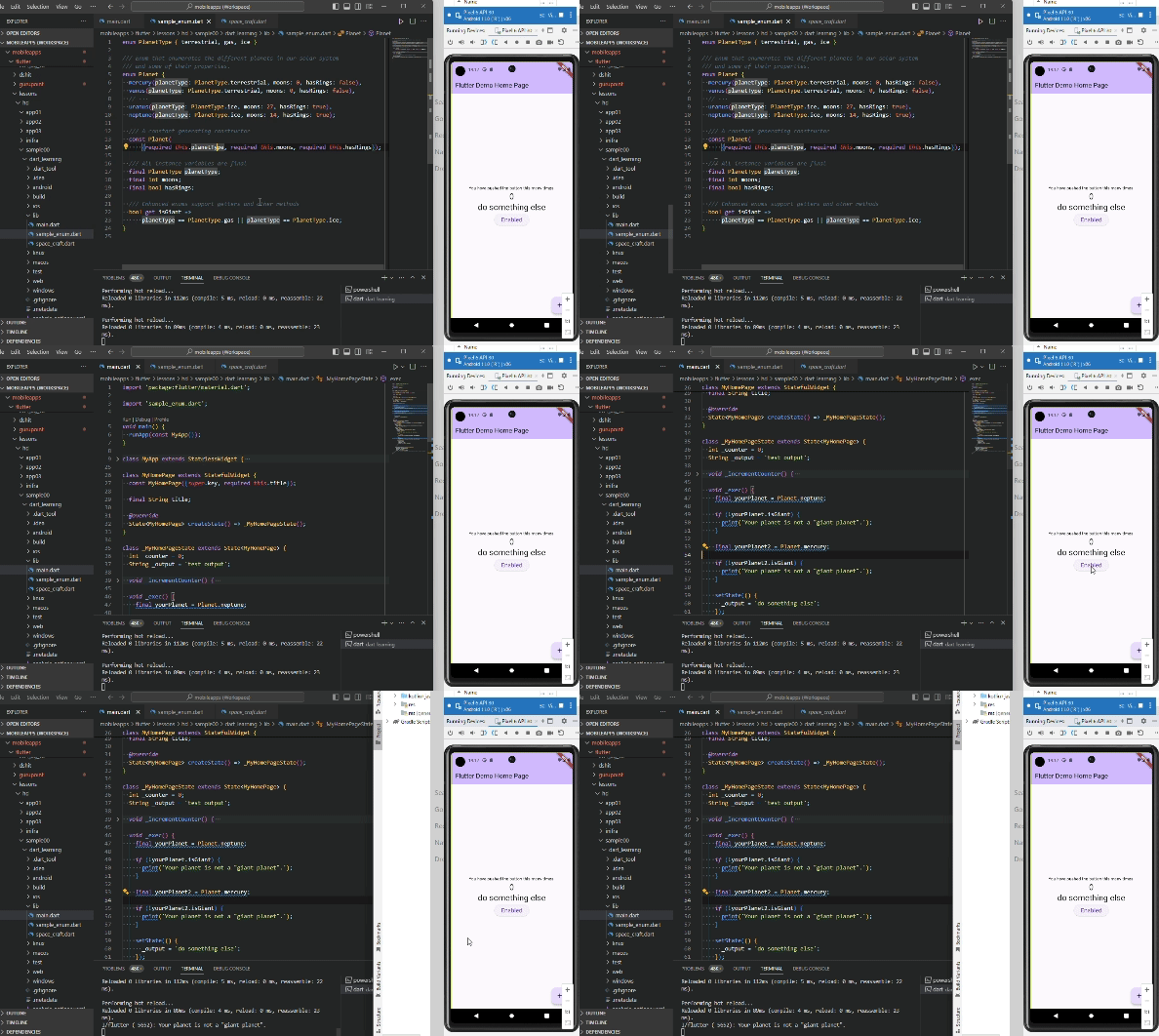
1.9 Inheritance(継承)
継承とは、既存のクラスを流用してオリジナルのクラスを作る際に利用します。extendsキーワードの後に既存のクラス名を記述することで使う事ができます。
以下の例では、1.7 Class で作成したSpacecraftクラスを継承してOrbiterを作成しています。
supre.name、super.launchDateというのは継承元クラスのプロパティです。
class Orbiter extends Spacecraft {
  double altitude;

  Orbiter(super.name, DateTime super.launchDate, this.altitude);
}
1.10 Mixins(ミックスイン)
ミックスインとは、既存の機能を流用して、オリジナルクラスを作る際に利用します。withキーワードの後に既存の機能を記述することで使う事ができます。
継承は既存クラス全体を利用しますが、ミックスインはユーティリティなどの特定機能のみを流用したい場合重宝します。
ミックスインの定義
mixin Piloted {
  int astronauts = 1;

  void describeCrew() {
    print('Number of astronauts: $astronauts');
  }
}
ミックスインの例です。 PilotedCraftクラスは、astronautsプロパティとdescribeCrewメソッドが使えるようになります。
class PilotedCraft extends Spacecraft with Piloted {
  // ···
}
また、継承は1クラスのみ継承元に指定できますが、ミックスインは複数機能を対象にすることができます。
mixin Flyable {
  void fly() {
    print('Flying...');
  }
}

mixin Swimmable {
  void swim() {
    print('Swimming...');
  }
}

class Duck extends Animal with Flyable, Swimmable {
  // Duck class has all the properties and methods of Animal, Flyable, and Swimmable
}
1.11 Interfaces(インターフェース) and abstract classes(抽象クラス)
インターフェースと抽象クラスは、サブクラスに強制したいメソッドを定義する際に利用します。 少し難しい概念ですので、インターフェース
インターフェースの定義例です。
interface class Vehicle {
  void moveForward(int meters) {
    // ...
  }
}
インターフェースクラスの実装例です。
implementsキーワードを使ってインターフェース名を指定します。
class MockVehicle implements Vehicle {
  @override
  void moveForward(int meters) {
    // ...
  }
}
抽象クラスの定義例です。
abstract class Vehicle {
  void moveForward(int meters);
}
抽象クラスの実装は、インターフェースクラスの実装と同様、implementsキーワードを使います。 インターフェースと抽象クラスの違いについては公式サイトをご確認ください
1.12 Async
JavaScriptの非同期処理でよく使うasync と await と同様のものです。
非同期処理のロジックを読みやすくするためにある機能です。
asyncとawaitを使って書いたコード例です。
const oneSecond = Duration(seconds: 1);
// ···
Future<void> printWithDelay(String message) async {
  await Future.delayed(oneSecond);
  print(message);
}
asyncとawaitを使わずに書いたコード例です。
非同期で実行されるdelayed()が成功した場合の処理は、then()の中に入れ子で記載する必要があります。 then()の後さらに後続処理を記載する場合、更にthen()をつなげて記載しなければなりません。
これをコールバック地獄と言い、非常に読みにくいコードになります。このような記述を避けるために、asyncとawaitがあります。
Future<void> printWithDelay(String message) {
  return Future.delayed(oneSecond).then((_) {
    print(message);
  });
}
次のサンプルは、ファイル操作の非同期処理をasync、awaitを使って見やすく記載した例です。
Future<void> createDescriptions(Iterable<String> objects) async {
  for (final object in objects) {
    try {
      var file = File('$object.txt');
      if (await file.exists()) {
        var modified = await file.lastModified();
        print(
            'File for $object already exists. It was modified on $modified.');
        continue;
      }
      await file.create();
      await file.writeAsString('Start describing $object in this file.');
    } on IOException catch (e) {
      print('Cannot create description for $object: $e');
    }
  }
}
1.13 Exceptions
例外処理を定義することができます。
throwキーワードで意図的に例外を発生させる事が可能です。
if (astronauts == 0) {
  throw StateError('No astronauts.');
}
try、catchで例外を検知し、例外を検知し、例外発生時の処理を記述した例です。
Future<void> describeFlybyObjects(List<String> flybyObjects) async {
  try {
    for (final object in flybyObjects) {
      var description = await File('$object.txt').readAsString();
      print(description);
    }
  } on IOException catch (e) {
    print('Could not describe object: $e');
  } finally {
    flybyObjects.clear();
  }
}